Introducing nbdiff
Mar 7, 2026 · A tool for comparing Mathematica notebooks that might be useful for TAs/graders.
the story
A class got cancelled. I got an extra hour at the math suite. It so happened that one of my math professors decided that he should ask me if I wanted to grade Mathematica assignments for him during that one hour. I said yes, even though I do not enjoy repetitive work.
As a CS student, I naturally considered writing code to automate the process, but I can’t tell the professor to rewrite his notebooks so that they’re consistently structured…So I took a step back, and developed, i.e., asked Claude Code to develop, this app that will at least save some eye strain.
the product
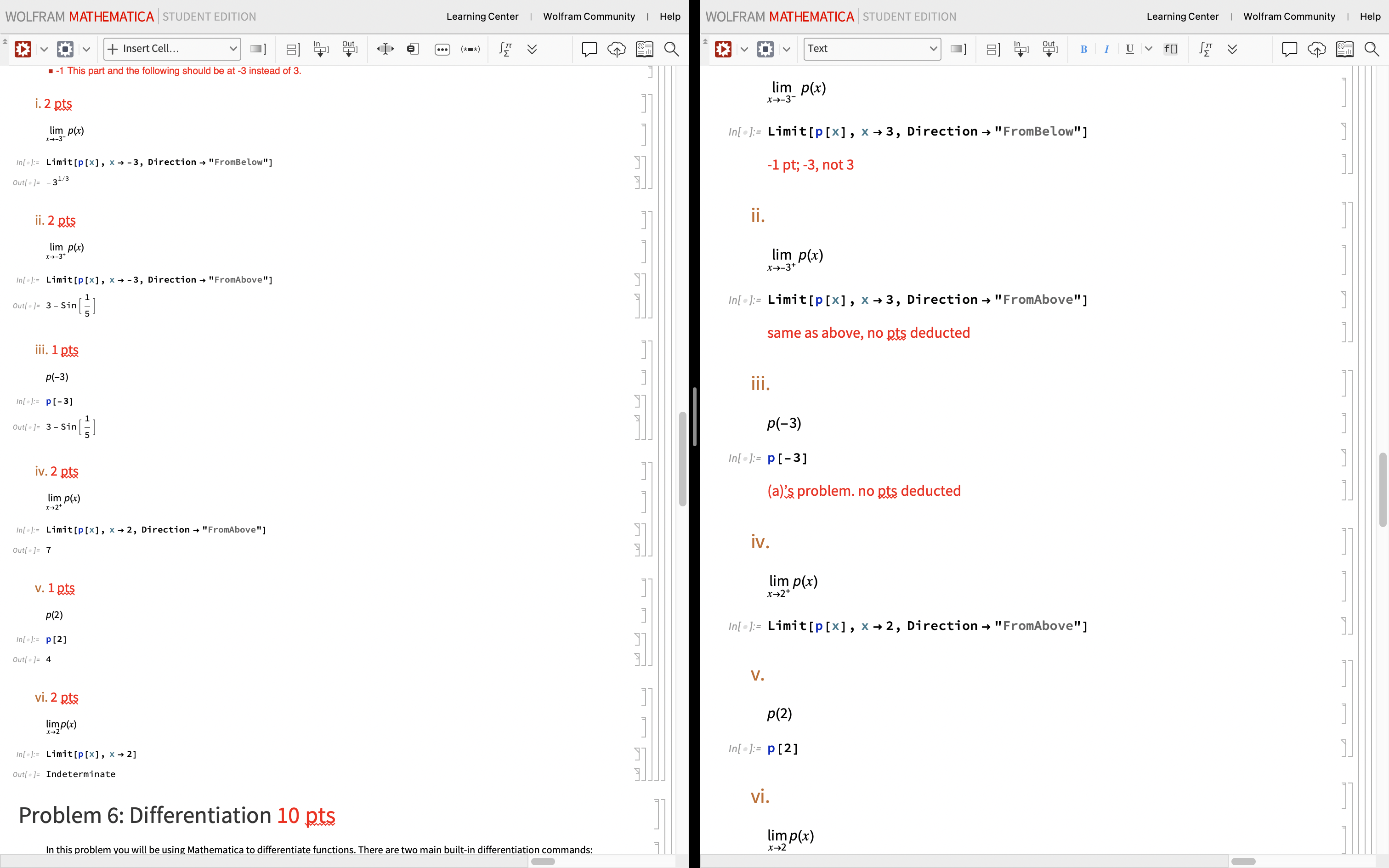
From
To
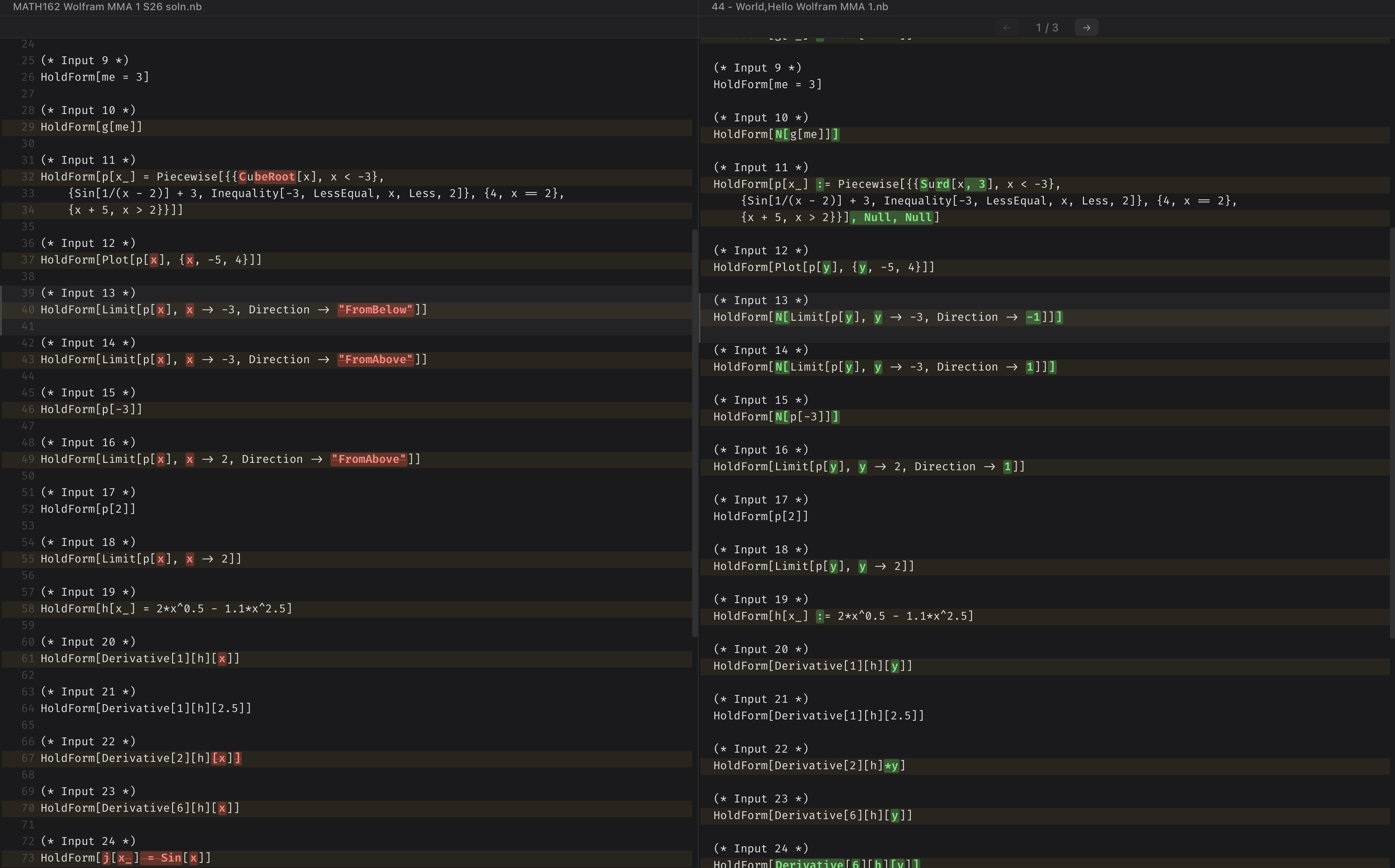
(Sorry the images don’t really show the difference…)
But really the app is just a git diff on the input fields of Mathematica notebooks.
It is built using Tauri (React frontend) with a Python sidecar for running the input extraction script, which is dependent on the Python library wolframclient.
To use the app:
- Drag and drop the solution notebook onto the left panel
- Drag the student solutions onto the right panel.
- Student solutions can be a single
.nbfile or a folder with notebooks anywhere inside.
- Student solutions can be a single
- View their difference.
- If you dropped a folder, navigate between student solutions using either the buttons or your arrow keys.
That’s it 🤷♀️
back to the story
Personally I found the highlighting to be very helpful for grading, especially when it comes to comparing equations like Also, if a students gets it all right, you can immediately see there are no highlights and give them an 💯, which is quite satisfying.
Now, when I grade Mathematica notebooks, I put nbdiff on my monitor, and I have the solution file along side the actual student submission notebook on my laptop. With each student submission, I look at nbdiff, locate the mistakes, and grade/comment in the actual notebook based on the solution file. I definitely do less scrolling and squinting…
But I can also see the app being even more helpful. Problem is I don’t see specifically how I can make it more helpful (at least, not without forcing the professor to structure his Mathematica notebooks a certain way). I thought about automatic grading scripts, but then again, that will very likely require the professor to structure his notebooks a certain way…If you have any ideas, shoot me an email at [email protected]!
(Or create a fork on GitHub 🤷♀️)
